Tattoo design has evolved significantly in the last decade thanks to the use of technology. One of the most revolutionary tools is Artificial Intelligence (AI), which makes it possible to create custom designs quickly and efficiently. In this article, we will explore how to design a tattoo with AI, the tools available, how to formulate effective prompts and which are the most prominent applications for this purpose.
How to Design a Tattoo with AI?
The AI tattoo design process involves describing in detail the idea you have in mind so that the AI-based image generator can interpret it and create an illustration accordingly. This process is ideal for both tattoo artists looking for inspiration and clients who want to visualise their idea before putting it on the skin.
AI Tools for Tattoo Design
There are a number of AI tools that specialise in image generation, some of the most prominent of which include:
DALL-EDeveloped by OpenAI, it is one of the most popular tools for creating images from textual descriptions. Its ability to generate artistic detail makes it ideal for tattoo designs.
MidjourneyThis platform is known for its artistic approach and the quality of its images. It is especially popular with graphic designers and tattoo artists for its unique style.
Stable DiffusionAn open source AI model that allows a high degree of design customisation. It is ideal for artists who wish to experiment and adjust the fine details of their creations.
ArtbreederAlthough more focused on portraits, it allows you to combine and modify images to create unique designs, which can be useful for realistic style tattoos.
How to Create an Effective Prompt
A prompt is the description you give the AI to generate an image. To get a quality result, it is essential to be clear and detailed. Here are some tips for creating effective prompts:
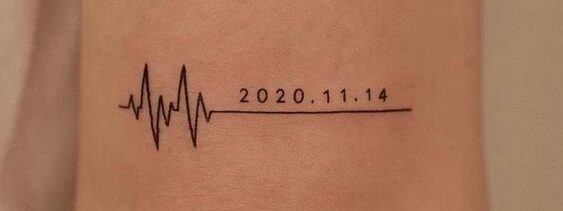
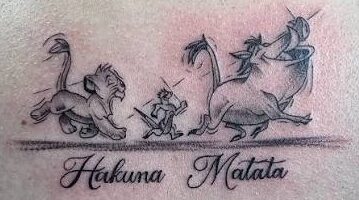
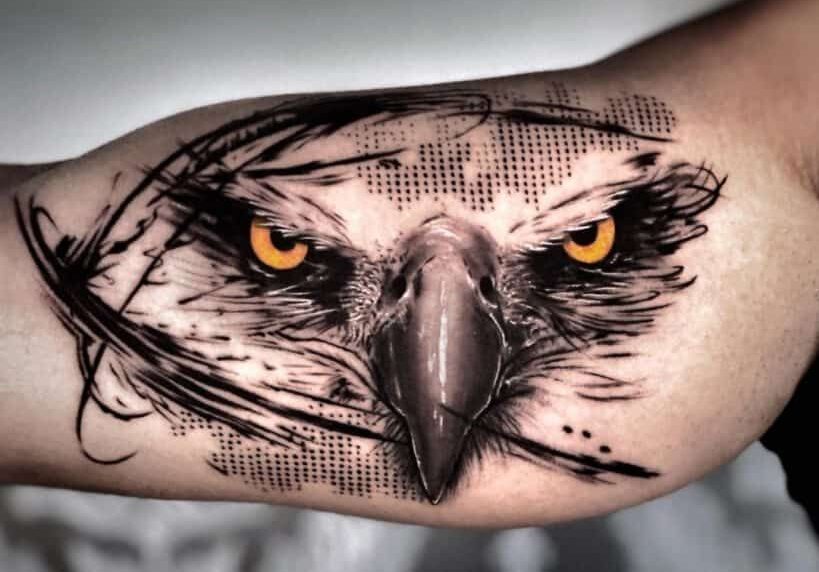
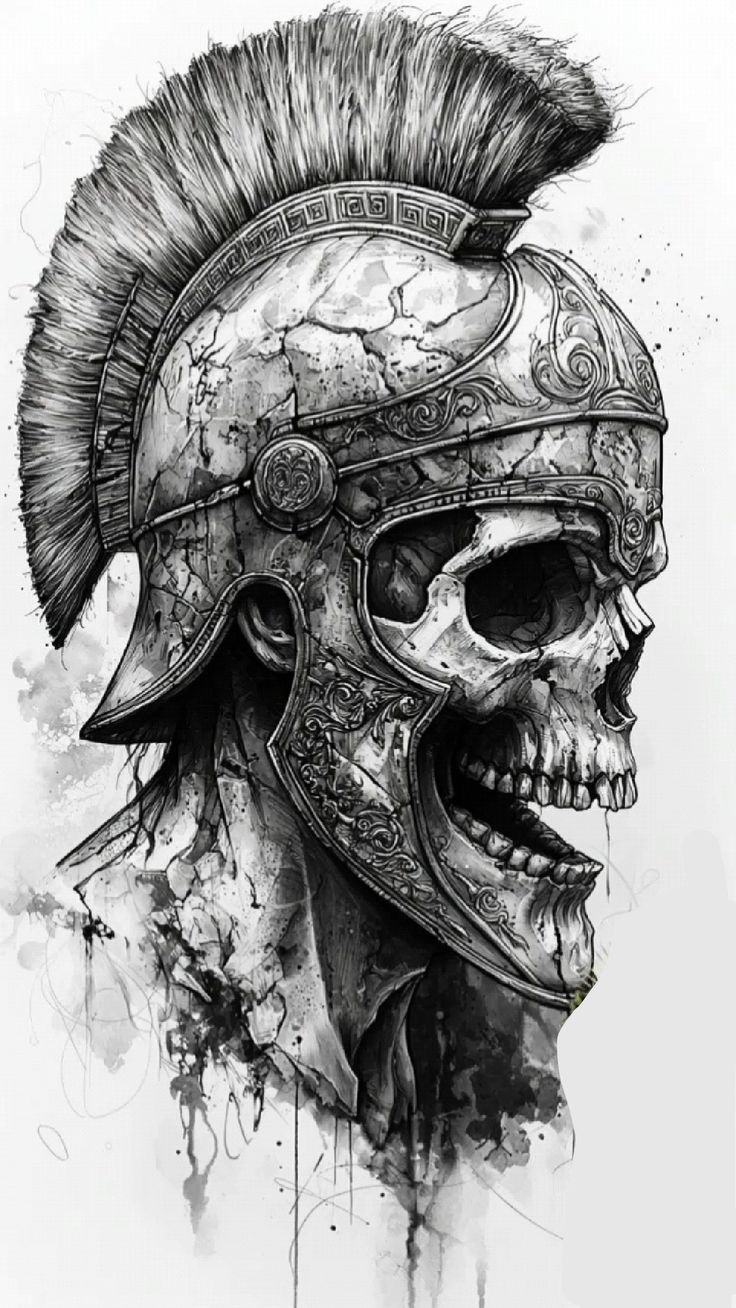
Detailed DescriptionInclude specific details such as the style of the tattoo (realistic, minimalist, watercolour, traditional, etc.), the elements you want (flowers, skulls, animals, geometric figures), and the general composition.
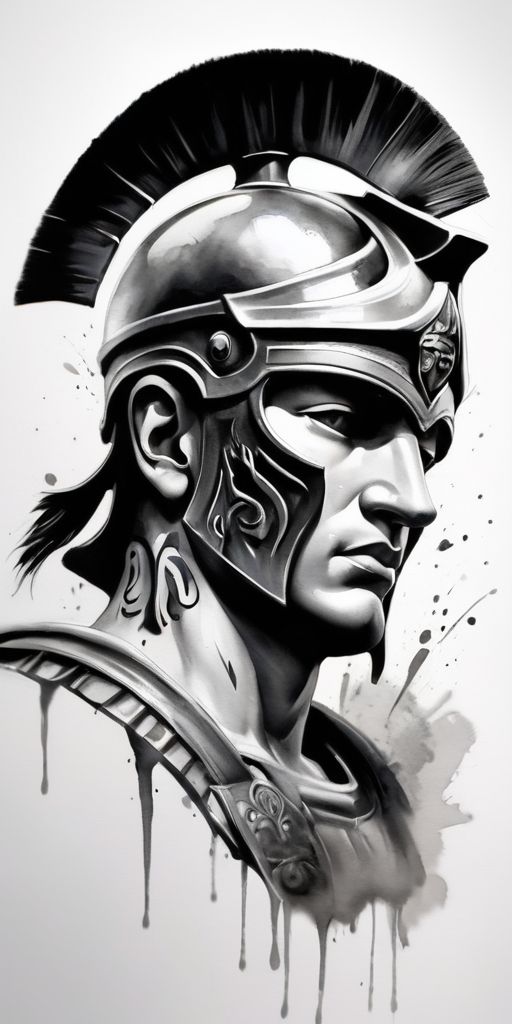
Colours and ShadesSpecify whether you prefer a black and white or colour design, and whether you want soft shadows or sharp contrasts.
Size and LocationAlthough AI does not generate the tattoo on the skin, mentioning the location (arm, back, leg) can influence the style and proportion of the design.
Visual ReferencesIf possible, provide visual references to help the AI better understand what you want.
Example of Prompt Cash
"A realistic style black and white tattoo of a wolf howling under a full moon, with fine fur detailing, soft shadows to create depth, and a minimalist background to highlight the main figure. Design intended for the forearm."
Best Apps to Create Tattoo Designs with AI
TattoosAITattoo Sketching: Application specifically designed to create tattoo sketches.
Fotor: Editing platform that includes AI generators with a variety of styles.
AI tattoo design opens up a world of possibilities for tattoo artists and clients alike. With the right tools and well-crafted prompts, it is possible to create unique, customised and high quality designs. Whether for inspiration or for a final design, AI has become a valuable resource in the art of tattooing.






1 thought on “Diseña tu Tatuaje con IA: Guía Completa”
is very easy